Connect Wallet Using Wagmi And Nextjs
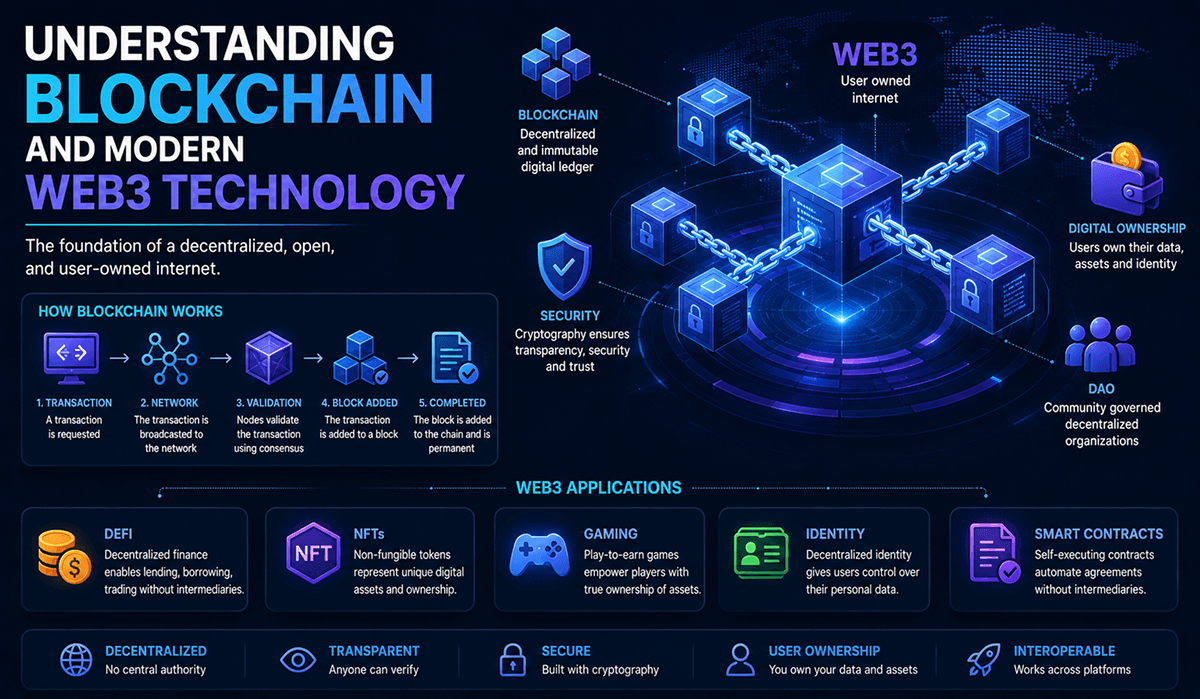
Web3 applications continue growing rapidly across decentralized finance, NFTs, gaming, and blockchain ecosystems. One of the most important features in modern decentralized applications is wallet connectivity. Users need secure and simple ways to connect their crypto wallets to decentralized applications.
Why Use Wagmi With Next.js?
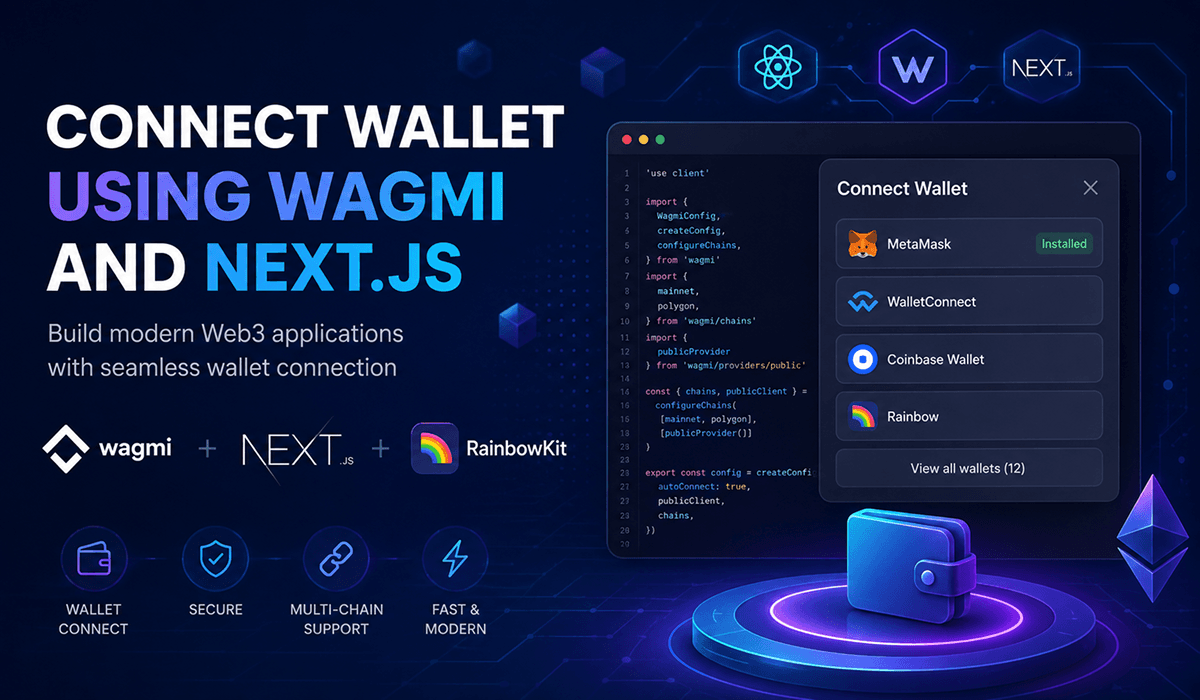
Wagmi provides React hooks for Ethereum development, while Next.js delivers excellent frontend performance and SEO optimization. Together, they create one of the best stacks for modern Web3 applications.
Step 1 Install Dependencies
First, create a new Next.js project and install the required packages.
npm install wagmi viem @rainbow-me/rainbowkit @tanstack/react-queryThese packages help developers manage wallet connections, blockchain interactions, and UI components.
Step 2 Configure Wagmi
Create a configuration file for Wagmi inside your project.
import { getDefaultConfig } from '@rainbow-me/rainbowkit';
import { mainnet } from 'wagmi/chains';

export const config = getDefaultConfig({
  appName: 'My Web3 App',
  projectId: 'YOUR_PROJECT_ID',
  chains: [mainnet],
});
This configuration defines supported blockchain networks and application settings.
Step 3 Setup Providers
Wrap your Next.js application using Wagmi and RainbowKit providers.
'use client'

import '@rainbow-me/rainbowkit/styles.css';
import {
  RainbowKitProvider,
} from '@rainbow-me/rainbowkit';
import {
  WagmiProvider,
} from 'wagmi';
import {
  QueryClient,
  QueryClientProvider,
} from '@tanstack/react-query';

const queryClient = new QueryClient();
Providers help manage global wallet states across your application.
Step 4 Add Wallet Connection Button
RainbowKit provides a ready-to-use wallet connection component.
import { ConnectButton } from '@rainbow-me/rainbowkit';

export default function Home() {
  return <ConnectButton />
}
This automatically supports multiple wallets including MetaMask and WalletConnect.
Step 5 Access Wallet Information
Use Wagmi hooks to access wallet states and user addresses.
import { useAccount } from 'wagmi';

const { address, isConnected } = useAccount();
This hook allows developers to display connected wallet information dynamically.
Best Practices
Always validate wallet connections, handle network mismatches, and provide responsive UI feedback for users. Proper wallet UX improves Web3 adoption significantly.
Conclusion
Wagmi and Next.js provide a powerful combination for building scalable Web3 applications. Developers can quickly integrate wallet connectivity while maintaining excellent frontend performance and SEO optimization.